See findings in your IDE
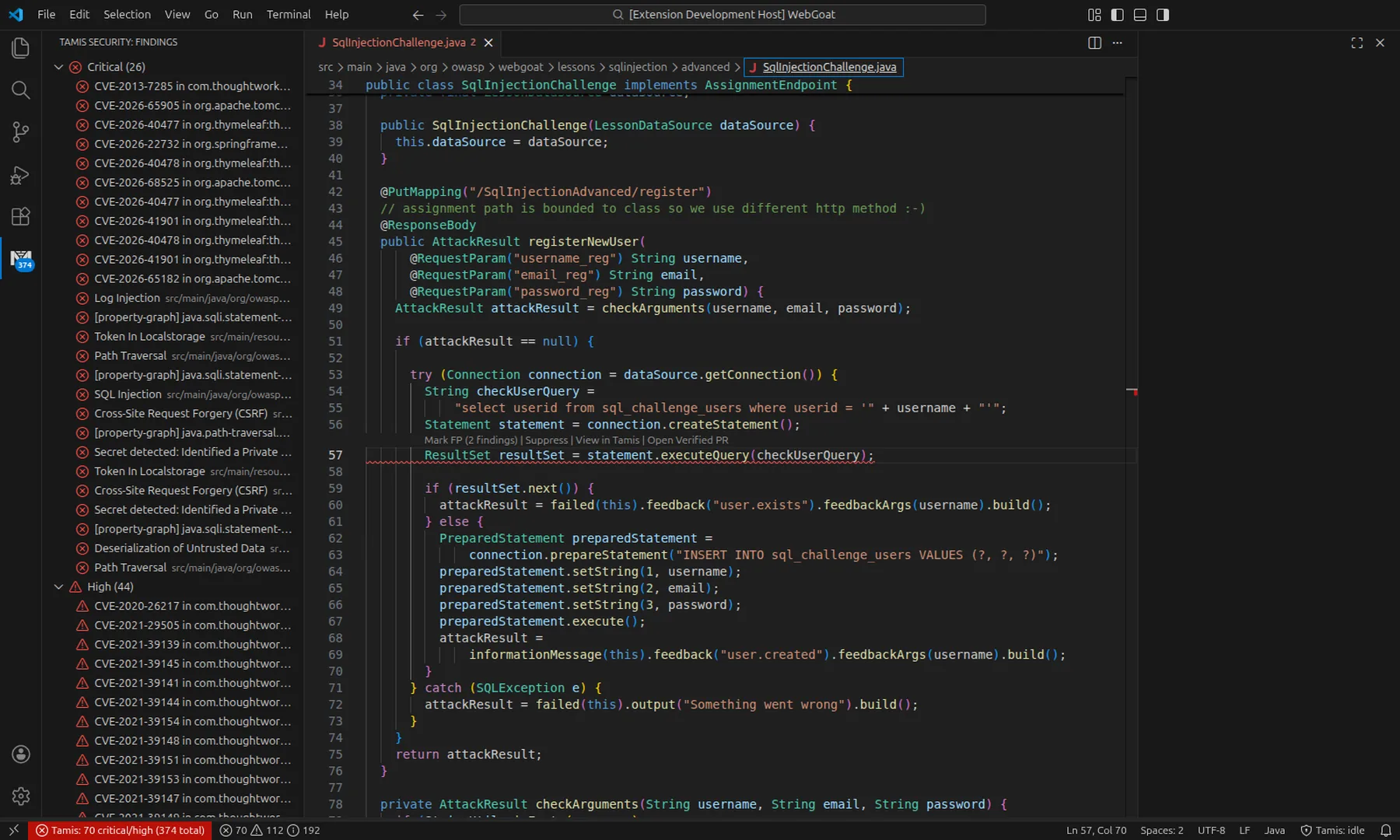
You receive diagnostics as you type in VS Code and JetBrains.
The current analysis is cancelled on the next keystroke to avoid stale results.
From the affected line, you can access quick fixes, triage and waivers.

For developers
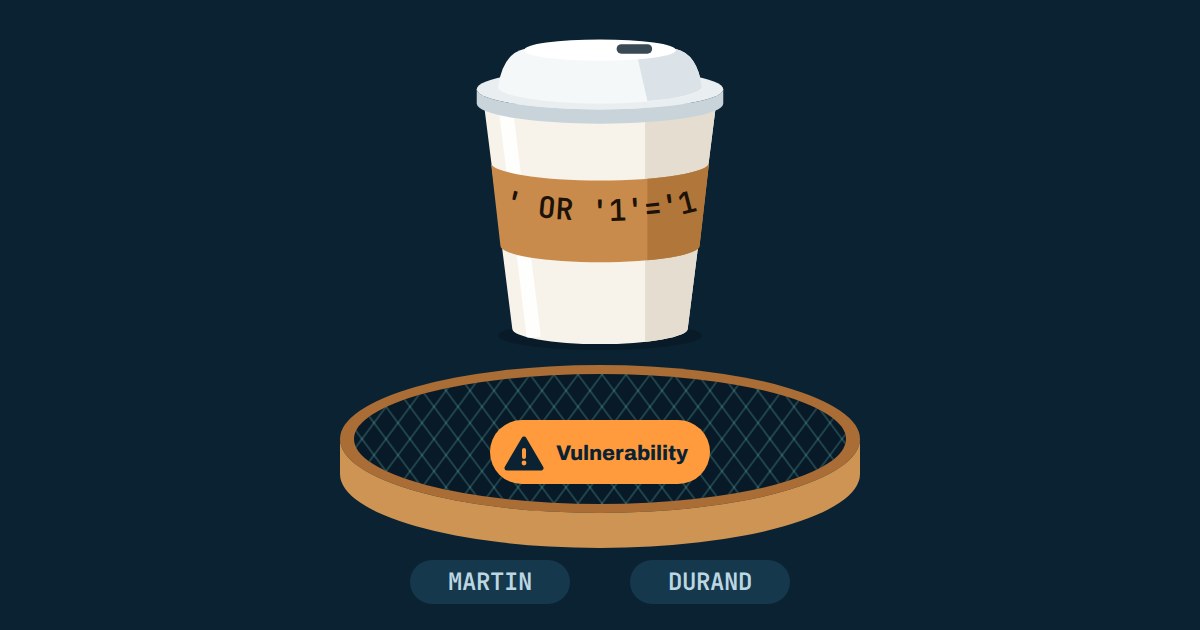
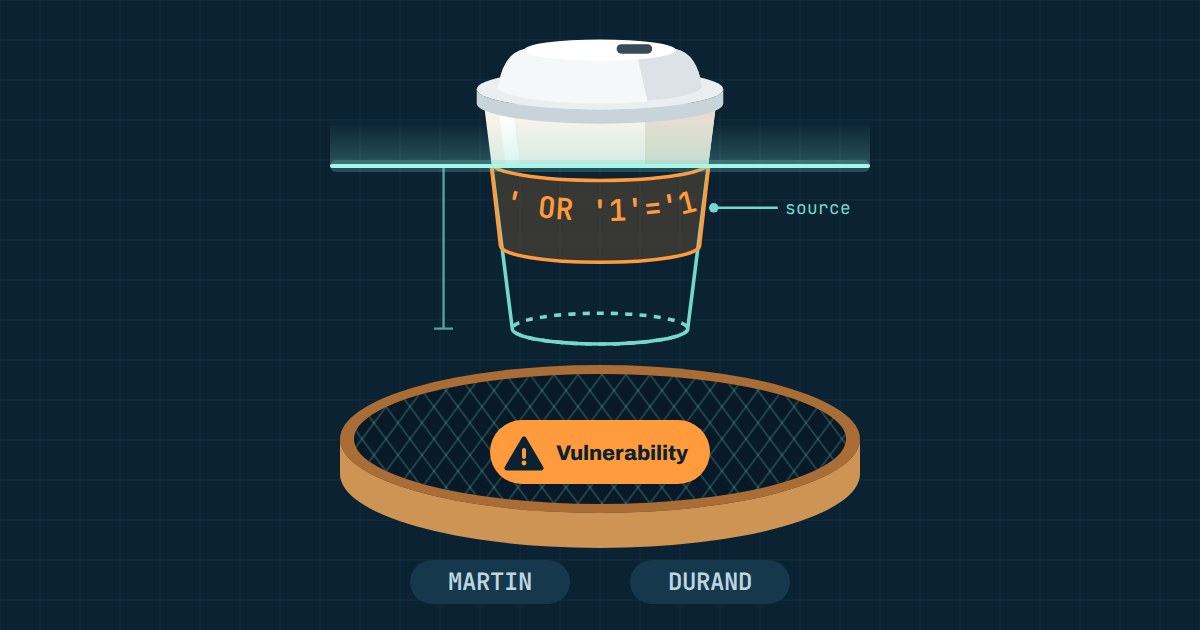
A SQL injection is flagged on a line of code.
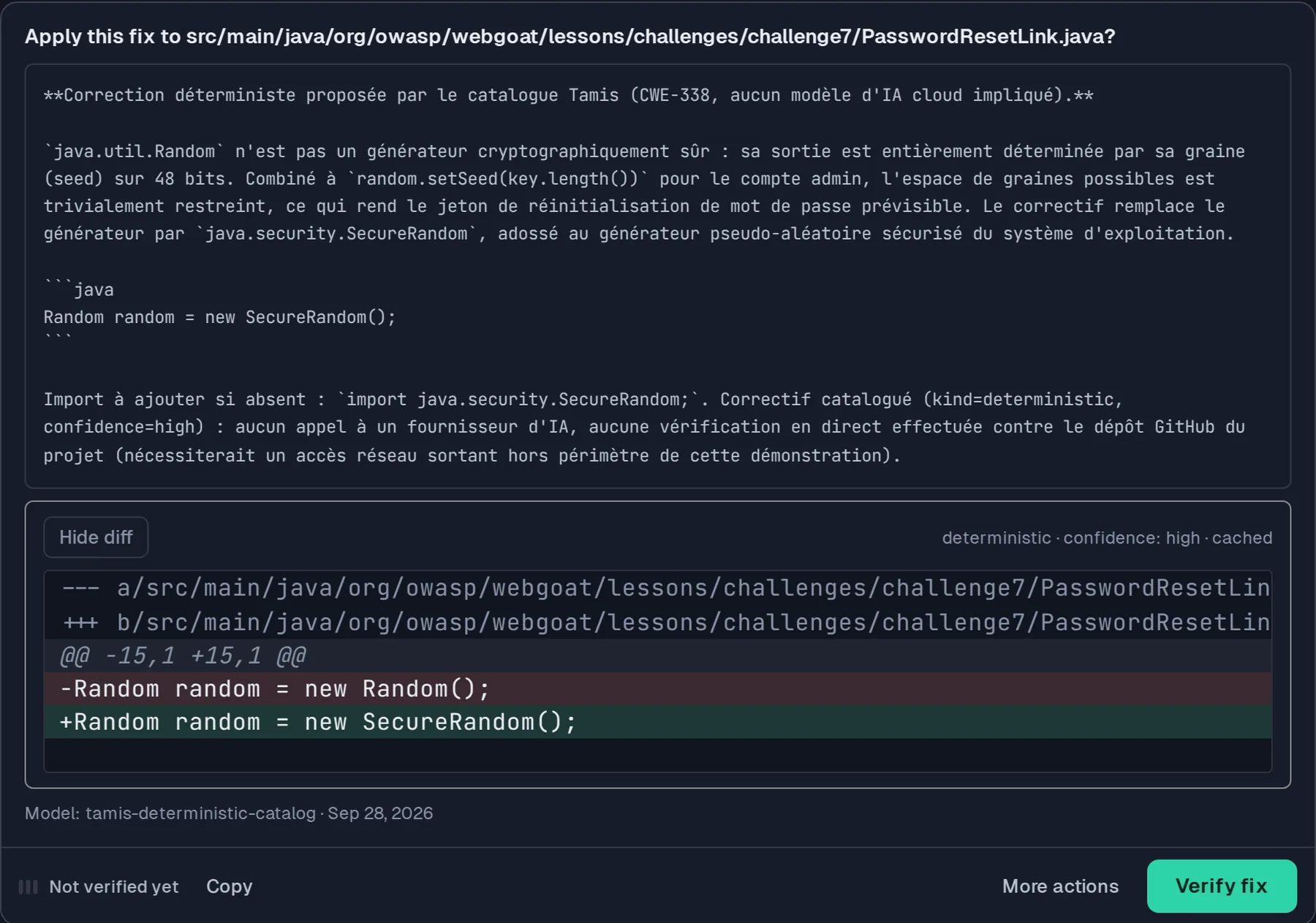
Read the IDE diagnostic, review the proposed fix and check the new scan result.
For supported cases, continue with a draft pull request. Your team decides whether to merge.
A 30-minute demo on a project close to yours.
Where code gets written
Three moves without leaving the editor: see the flaw, triage it, review the fix.
Demo screenshots. Results illustrate this project, not every project.
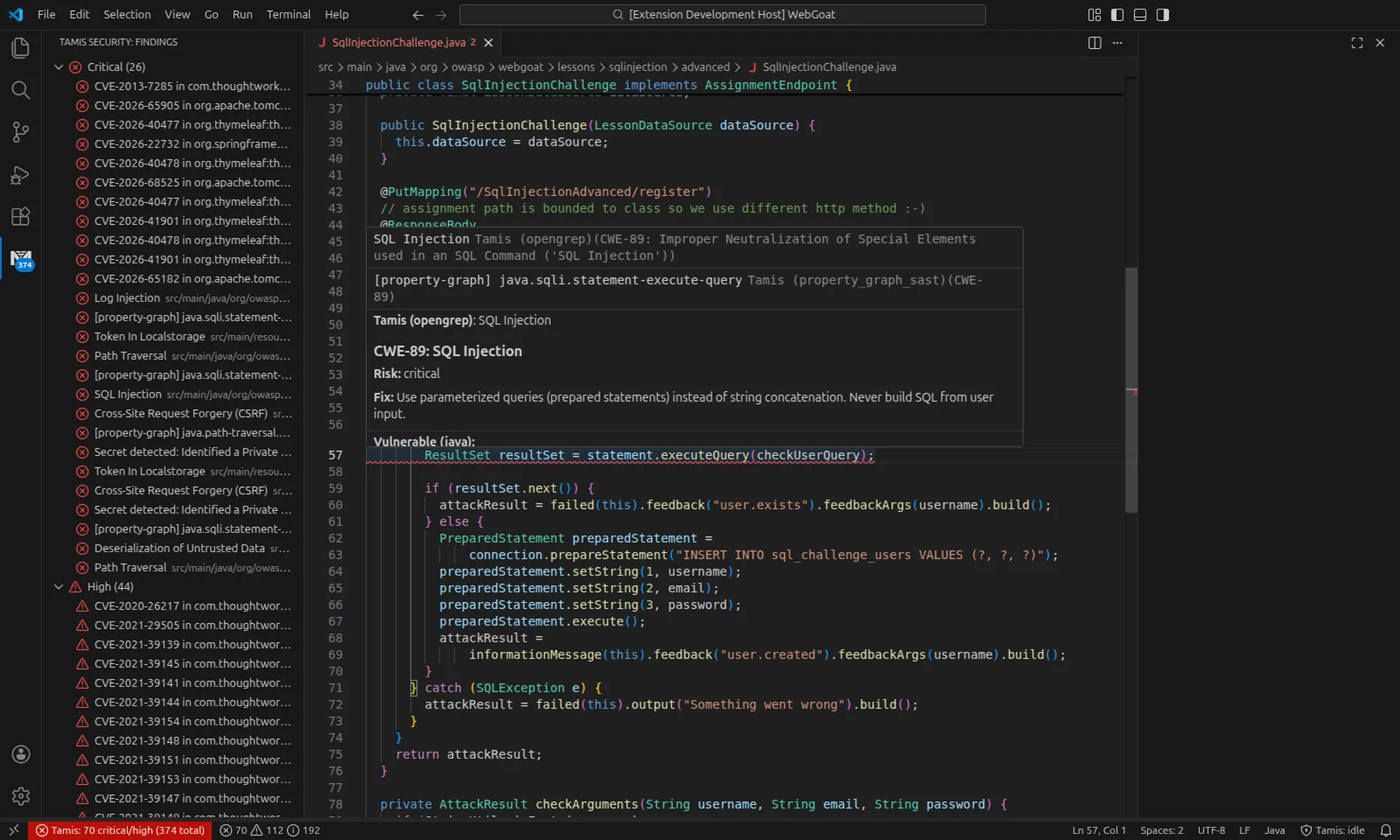
Tamis interface · scanned WebGoat project
Under the hood
In Tamis
You receive diagnostics as you type in VS Code and JetBrains.
The current analysis is cancelled on the next keystroke to avoid stale results.
From the affected line, you can access quick fixes, triage and waivers.
Your coding agents use Tamis tools and rules over MCP to triage, fix and verify.
In the platform, a remediation agent prepares a fix.
It verifies the fix with a fresh scan, then opens a draft pull request.
Tamis hooks check supported actions in Claude Code or Codex.
They check writes outside the repository, sensitive files, secrets in prompts and rejected dependencies.
They also flag actions they cannot evaluate.
Depending on your project policy, a critical flaw introduced by the agent prevents it from finishing until the flaw is fixed.
For catalogued CWE families, Tamis applies the fix without an AI call.
In other cases, a local model offers a draft clearly marked for your review.
The exit code can fail the pipeline associated with a GitHub PR or GitLab MR.
You have automatic comments, SARIF export, GitLab CI templates and GitHub checks.
On repositories with the hook installed, Tamis can block detected secrets before accepting the push.
Every approved bypass is kept in a dedicated audit trail.
On the same evidence
Good to know Automated fixes cover supported CWE families.
In other cases, you receive a draft to review.
Your team always decides whether to merge.
On the blog
The mechanics explained simply, then in depth. All articles