For AppSec teams

Findings to assess.
Priorities to justify.

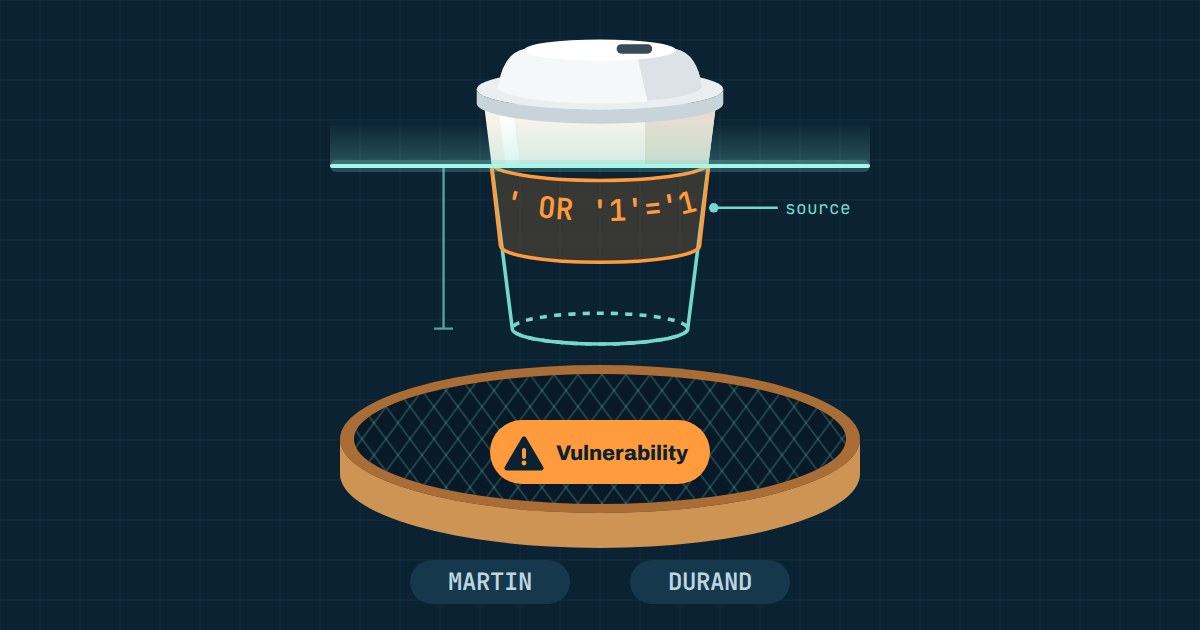
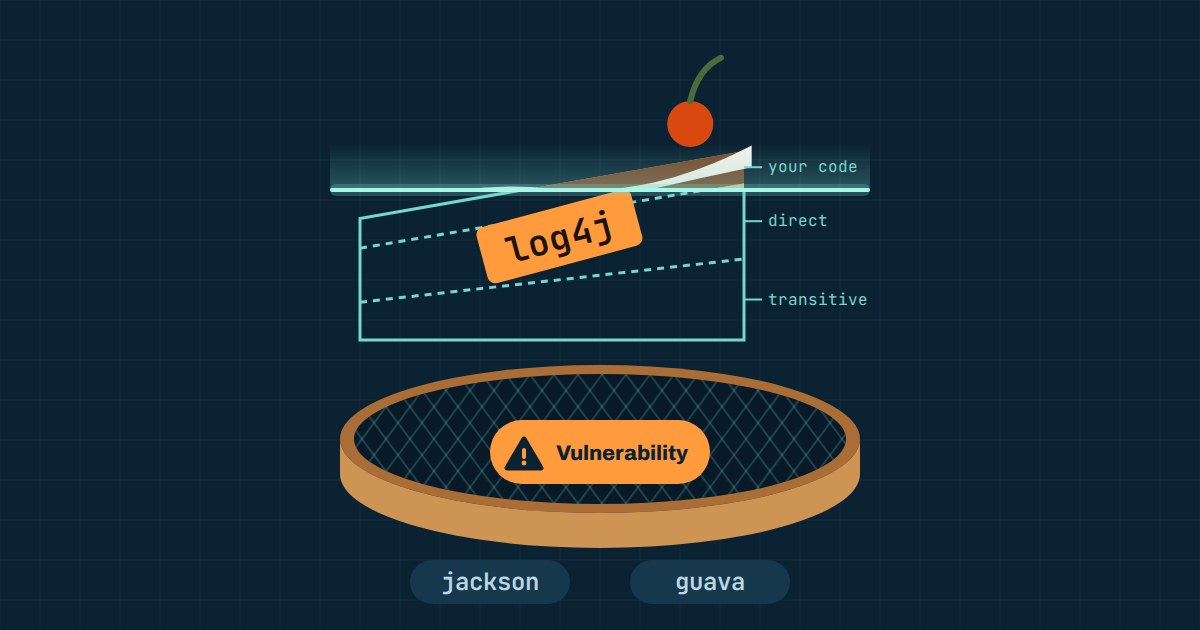
Several scanners report issues in the same project.
Bring code, dependencies, secrets and infrastructure together, then examine reachability and available evidence.
You can justify a priority and hand a qualified finding to the developer.

Request a demo 

A 30-minute demo on a project close to yours.

With Tamis, step by step.

    From noise to decision

    Prioritize, prove, fix.

    Four screens, from the priorities board to the dependency remediation plan.

    Demo screenshots. Results illustrate this project, not every project.

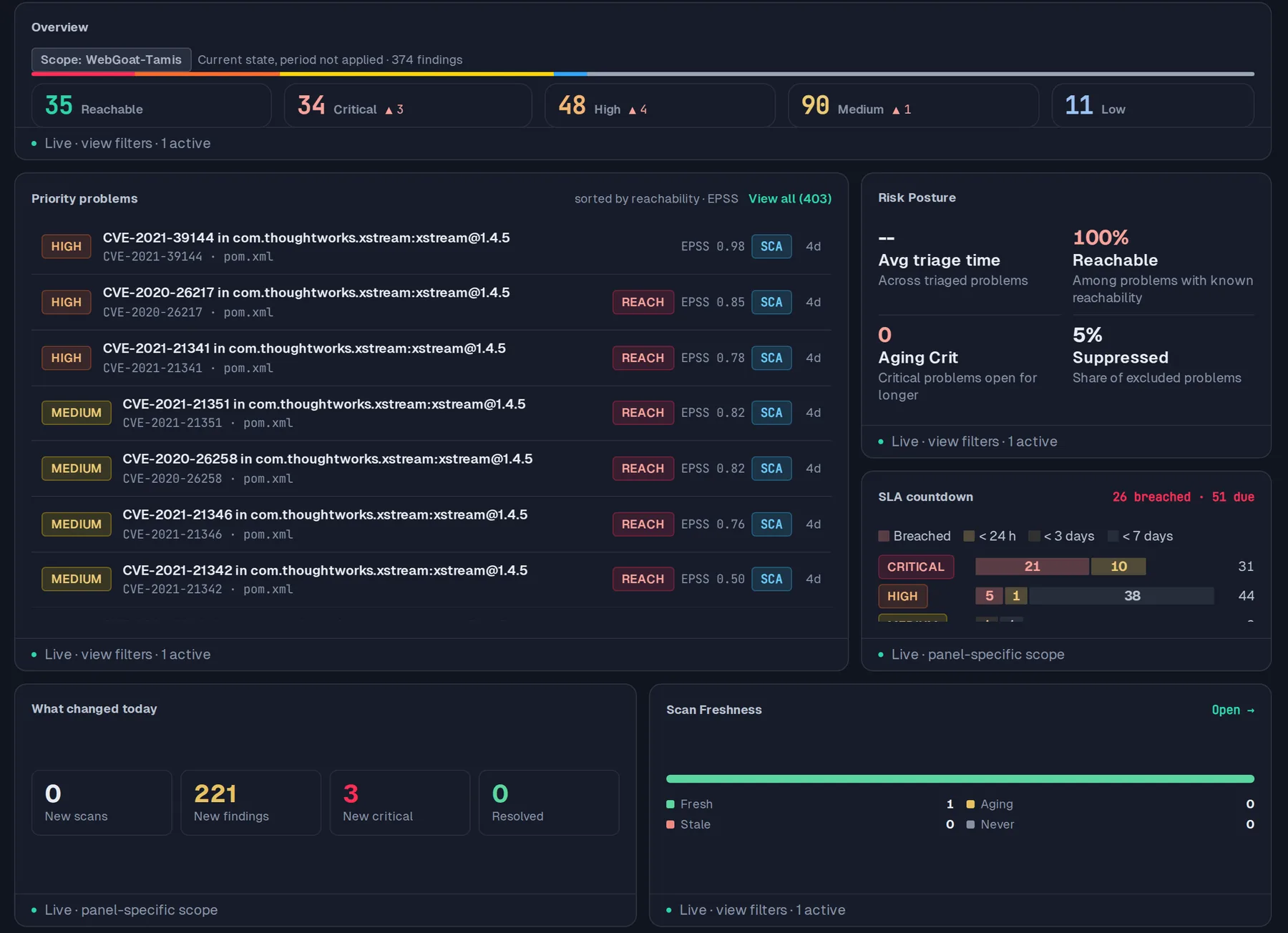
    AppSec priorities dashboard
    The queue brings reachability, EPSS and SLA deadlines together. Open a priority to inspect the evidence behind it.

    Tamis interface · scanned WebGoat project

    Under the hood

    Updated SBOM
    Get a CycloneDX 1.6 SBOM and VEX data recomputed at every scan.
    Malicious packages
    Spot malicious packages in the lockfile using advisories and malicious-package feeds.
    CVE impact
    Find every project affected by a CVE in one request.
    Waivers
    Manage waivers with separation of duties and reopening when the code changes.
    Release
    Support your release decision with a PASS, FAIL or INCOMPLETE verdict.
    Deployment
    SaaS in the EU (OVHcloud or Scaleway) or self-hosted, air-gapped included

    In Tamis

    Evidence to help you choose what to fix.

    Analyze your different sources of risk

    Tamis analyzes data flows with a graph engine and Opengrep.

    Your direct and transitive dependencies are enriched with EPSS, KEV and VEX to inform triage.

    The scan also covers Terraform, Kubernetes and Dockerfile.

    It looks for secrets in code and Git history.

    Triage with AI assistance

    AI provides an initial assessment, locally by default.

    Using a cloud model is optional and only happens when confidence or evidence is lacking.

    Every suggestion remains a proposal until you decide.

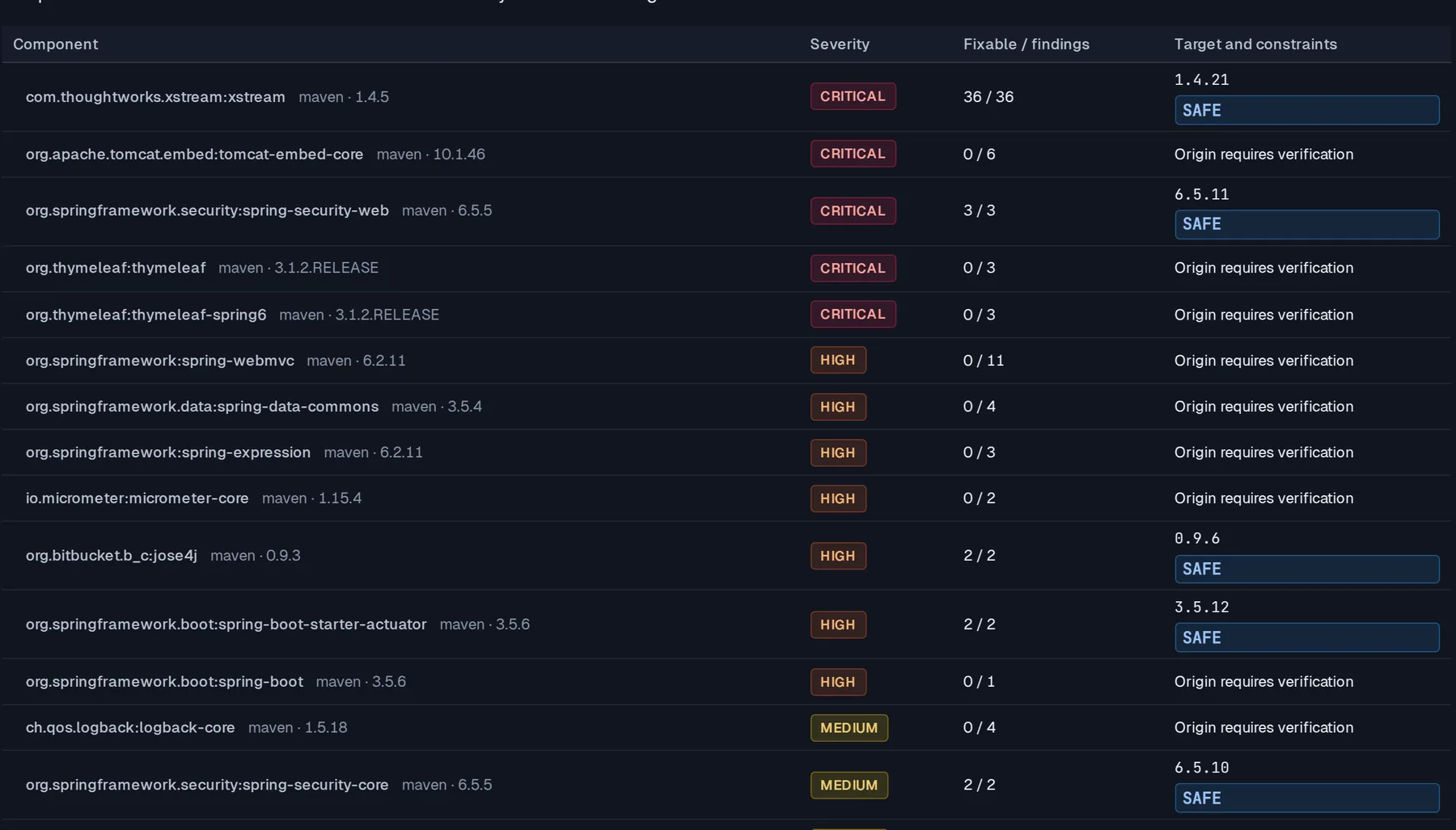
    Review a proposed fix

    You receive an explained fix, checked by a fresh scan on a copy.

    For supported cases, Tamis rescans the fix before offering you a draft pull request.

    Use AI to account for context

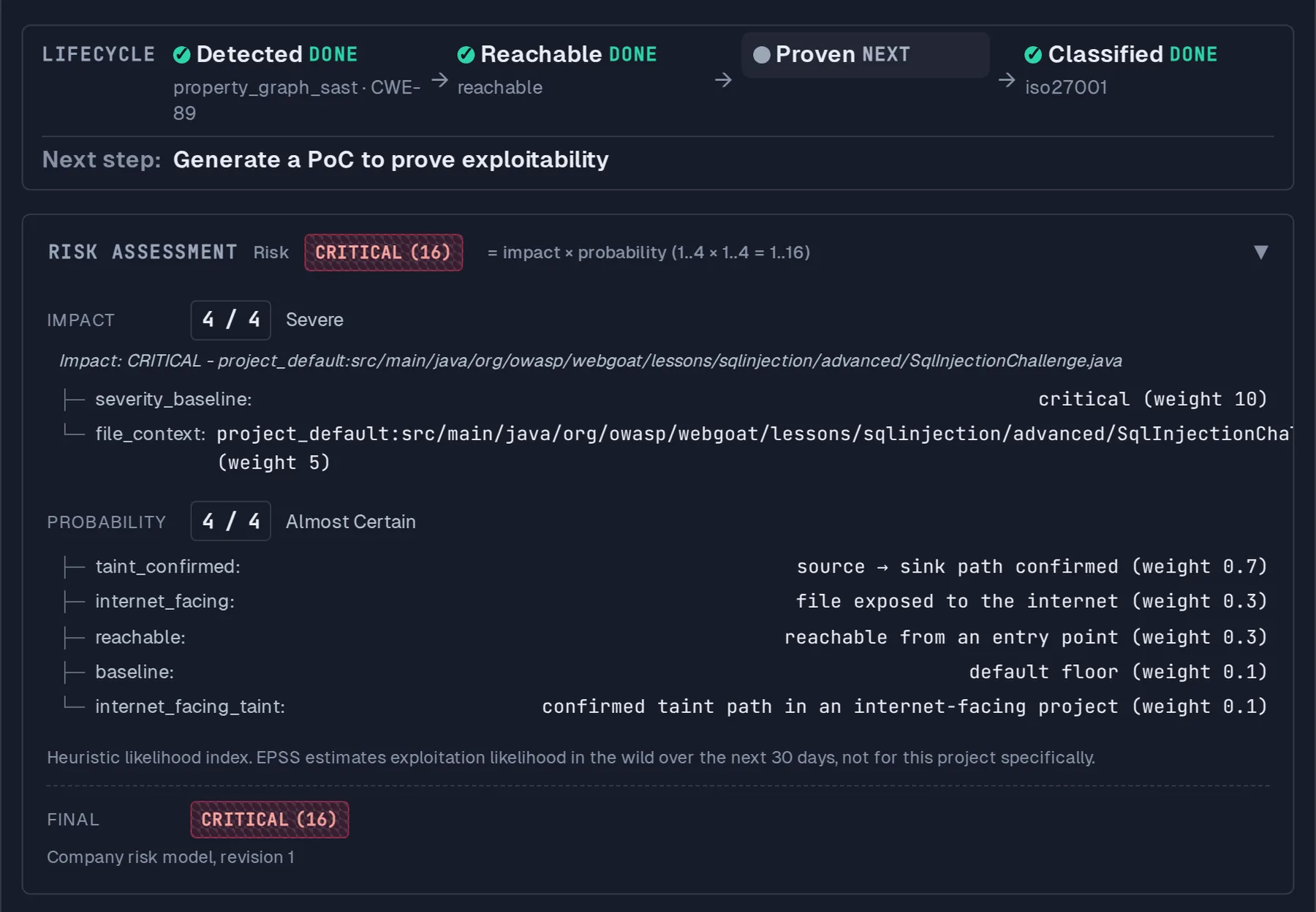
    Network exposure, business criticality and the data handled can help refine priorities.

    Tamis uses the available context for the findings it applies to.

    Understand the level of evidence

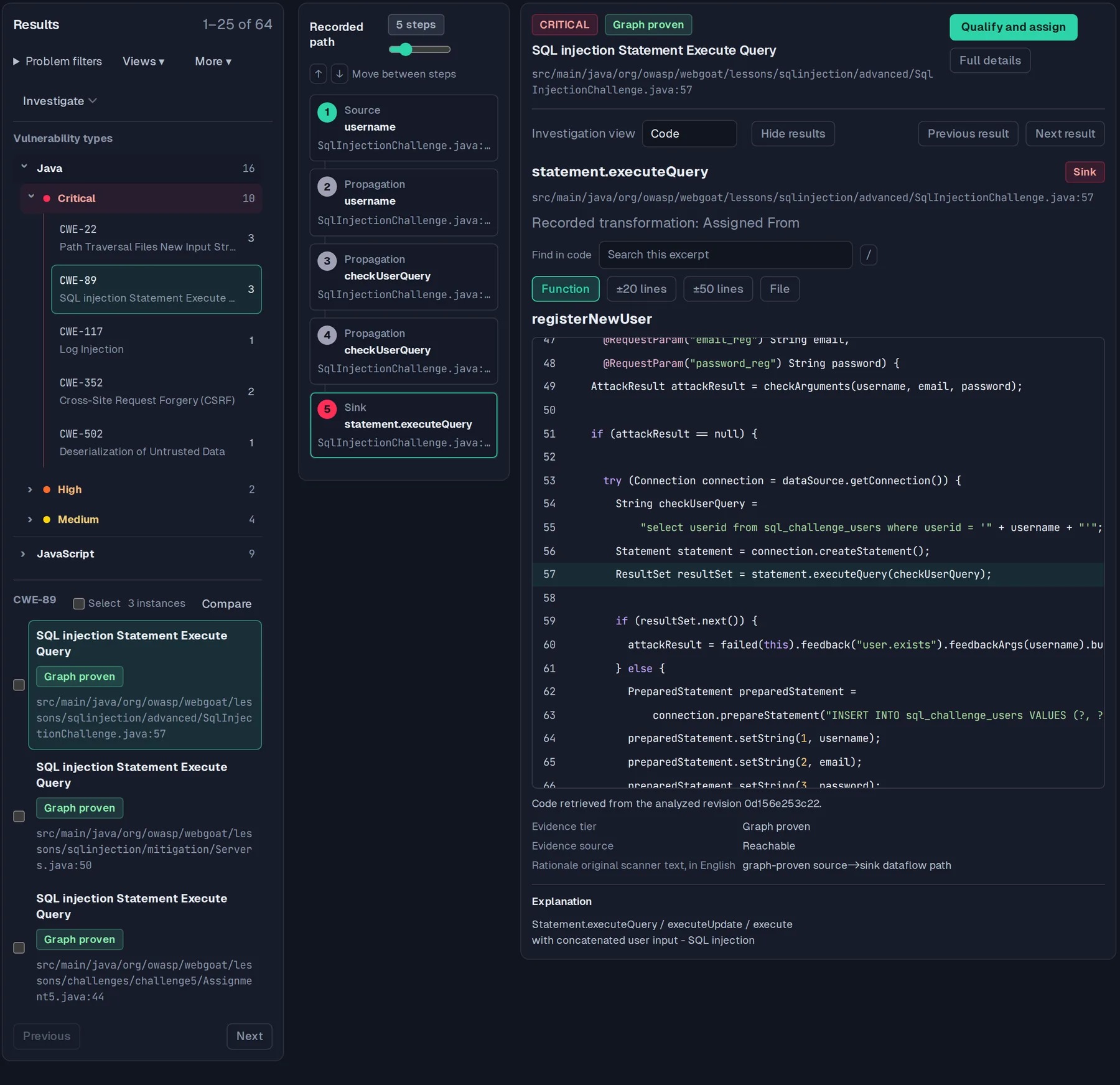
    You can distinguish detected, reachable and confirmed findings.

    When a trace is available, inspect the files and lines it connects.

    For each confirmation, you see its origin: manual entry, runtime observation or DAST.

    Read attack chains

    When rules share a source but reach different sinks, their findings are grouped into a compound vulnerability.

    You see that grouping mapped to MITRE ATT&CK techniques.

    On the same evidence

    What moves between roles.

    You receive

    • Threats modeled by the architect to help you prioritize.
    • Results from your existing scanners, through SARIF or Snyk, SonarQube, Nessus and Qualys imports.
    • The pentester's retests, which flag whether a finding persists or invite you to confirm the fix.

    You pass on

    • Qualified findings and their evidence to guide developers.
    • Evidence linked to the compliance controls the CISO tracks.
    • A reasoned verdict to inform the release decision.

    Good to know Coverage depends on your languages, enabled scanners and deployment mode.
    AI features remain optional and run locally by default.

    A triage review, evidence by evidence.

    In the demo, open a priority, inspect its trace and prepare a remediation decision.

    See pricing 

    Request a demo